
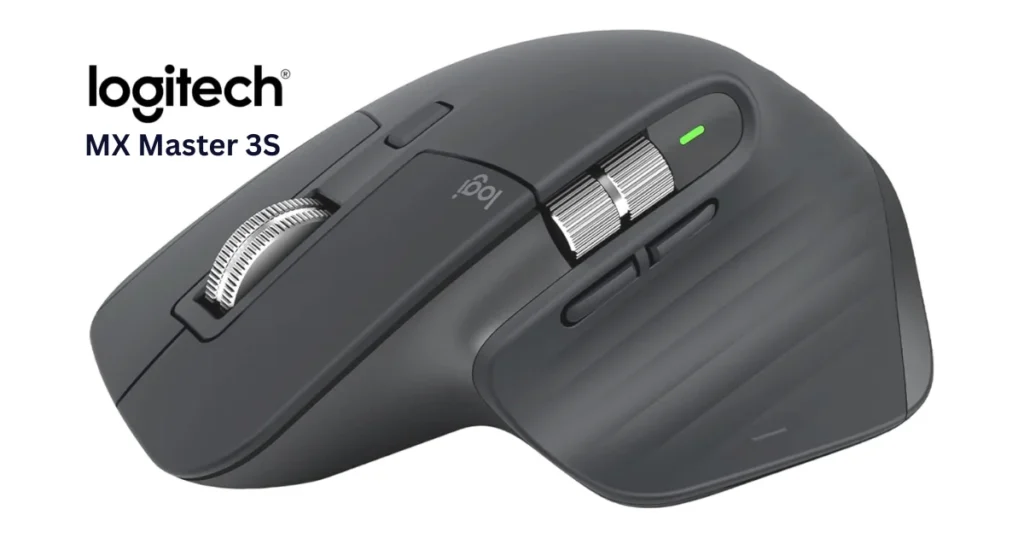
Logitech MX Master 3S Review 2026 | Still Worth It for Work?
Disclosure: As an Amazon Associate, I earn from qualifying purchases. This post contains affiliate links, so I may earn a commission if you buy through them, at no extra cost to you.
In this Logitech MX Master 3S review, we look at who the mouse suits, what its Quiet Clicks and 8K DPI sensor really offer, and how it compares with the newer MX Master 4.
Quick Answer
The Logitech MX Master 3S is an ergonomic wireless mouse built for office work, coding, and editing.
Compared with the MX Master 3, it adds Quiet Clicks (Logitech claims 90% less click noise), an 8,000 DPI Darkfield sensor that tracks on glass, and Logi Bolt receiver support.
It lasts up to 70 days per charge and pairs with up to 3 devices. It is right-handed only, and at 4.97 oz (141 g) it is not ideal for fast competitive FPS gaming.
The newer MX Master 4 adds haptic feedback and an Actions Ring, so compare both before buying.
Rated 4.5 out of 5 from 8,664 ratings on Amazon (as of October 2026).
Is the MX Master 3S Worth It? Specs at a Glance
| Specification | Details | Why It Matters |
| Sensor | Darkfield optical, up to 8,000 DPI | Works on most surfaces, including glass |
| Clicks | Quiet Clicks | Logitech claims 90% less click noise |
| Scroll wheel | MagSpeed electromagnetic | Up to 1,000 lines per second |
| Battery | 500 mAh rechargeable Li-Po, USB-C | Up to 70 days per charge |
| Quick charge | 1 minute | About 3 hours of use |
| Weight | 4.97 oz (141 g) | Solid, stable feel |
| Dimensions | 4.9 x 3.3 x 2.0 in (124.9 x 84.3 x 51 mm) | Large, full-palm fit |
| Buttons | 7 | Includes thumb wheel and gesture button |
| Connectivity | Bluetooth Low Energy or Logi Bolt receiver | Range up to 33 ft (10 m) |
| Devices | Up to 3 | Windows, macOS, Linux, Chrome OS, iPadOS, Android |
Ergonomic Design and MX Master 3S Quiet Clicks
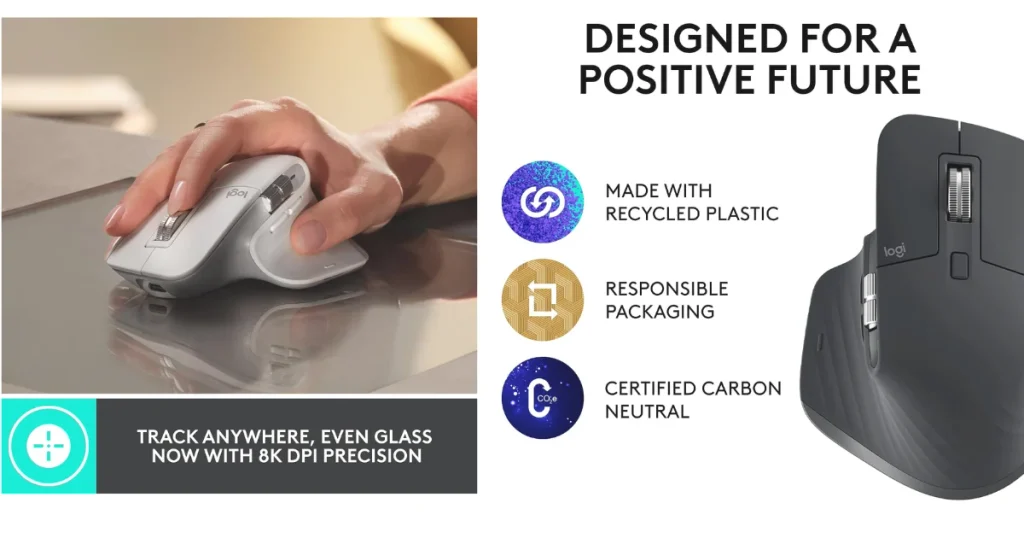
The MX Master 3S has a sculpted, right-handed shape with a thumb rest and a thumb wheel, which suits long work sessions.
The MX Master 3S quiet clicks are one of its biggest upgrades. Logitech says they keep the satisfying click feel while cutting click noise by 90%. That helps in shared offices, coworking spaces, and late-night work.
Sensor, MX Master 3S on Glass, and Scroll Performance
8,000 DPI Darkfield Sensor
You can adjust the sensitivity for large or multi-monitor setups.
MX Master 3S on Glass
The MX Master 3S on glass works because of its Darkfield sensor. Logitech advertises tracking on any surface, including glass (check its spec page for the minimum glass thickness).
MagSpeed Scrolling
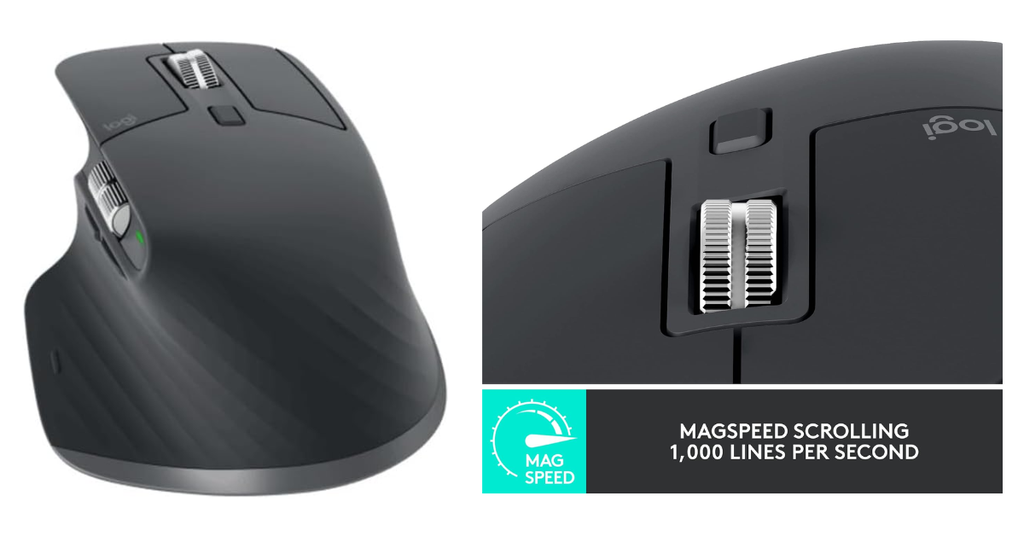
The electromagnetic wheel switches between two modes:
- Ratchet mode: Precise, line-by-line steps for code and spreadsheets.
- Free-spin mode: Fast, near-silent scrolling through long documents, up to 1,000 lines per second. Logitech claims it is 90% faster and 87% more precise than a standard wheel.
Software and Multi-Device Control
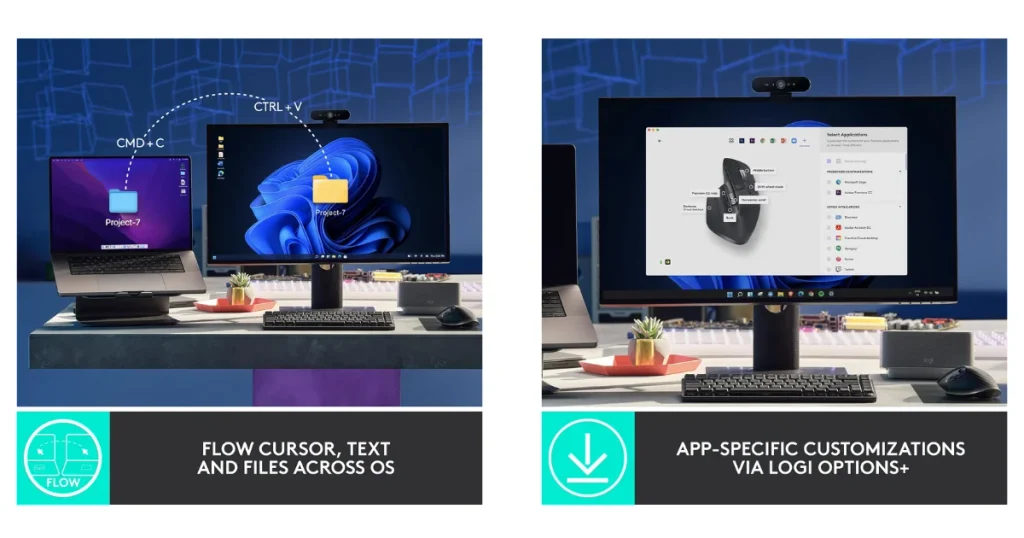
With the free Logi Options+ app, you can:
- Set app-specific button profiles for tools like Adobe apps, Microsoft Office, and Chrome.
- Use Logitech Flow to move your cursor between computers and transfer text, images, and files between Windows and macOS.
- Use the Logi AI Prompt Builder shortcut that Logitech offers through Options+.
Battery and Connectivity
A full charge lasts up to 70 days, and a 1-minute USB-C quick charge gives about 3 hours of use.
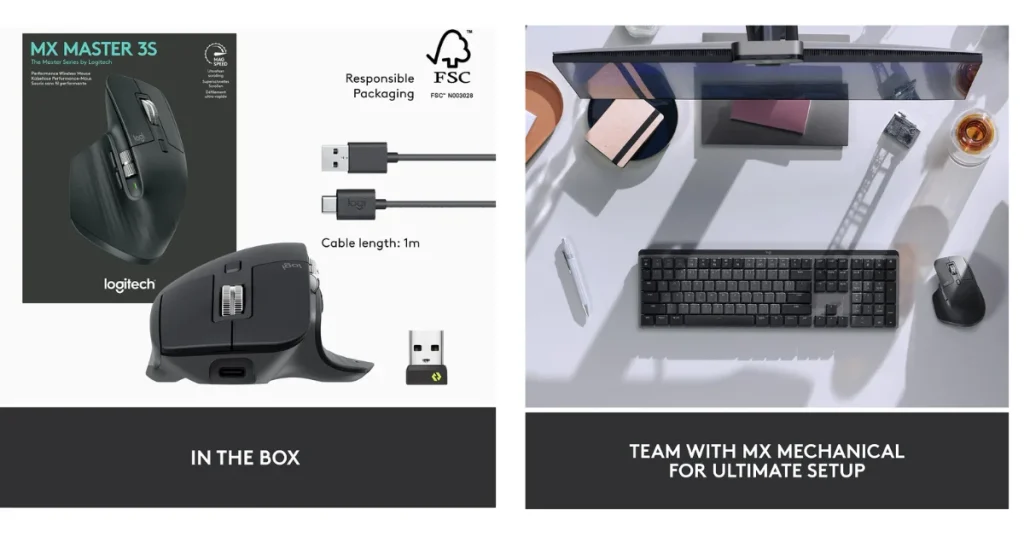
You can connect through Bluetooth Low Energy or the Logi Bolt USB receiver, which comes in the Standard Edition box with a USB-C charging cable.
Logitech also sells a Bluetooth-only edition, so check which version you are buying.
Logitech MX Master 3S vs Logitech MX Master 4
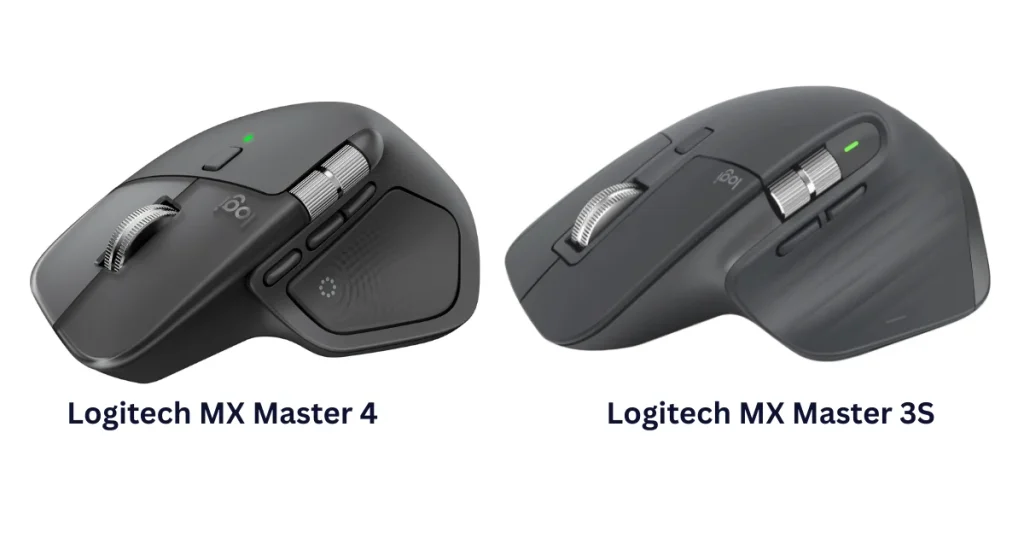
The MX Master 4 is the direct successor. The two mice look alike, but the 4 adds a few things:
| Feature | MX Master 3S | MX Master 4 |
|---|---|---|
| Haptic feedback | No | Yes (thumb-rest panel) |
| Actions Ring shortcut menu | No | Yes |
| Receiver | Logi Bolt USB-A | USB-C |
| Thumb buttons | 2 | 3 |
| Sensor | 8,000 DPI | 8,000 DPI |
| Battery | Up to 70 days | Up to 70 days |
| Weight | 141 g | Roughly 150 g |
Which should you buy?
Choose the MX Master 4 if you want haptics, the Actions Ring, or a USB-C receiver. Choose the MX Master 3S if you want a proven design with the same sensor and battery life, often at a lower price. Prices change often, so check Amazon.
What Do Buyers Say About the MX Master 3S?
Amazon shoppers rate the MX Master 3S highly. About 90% of ratings are 4 or 5 stars, and 82% are 5 stars. Only 5% are 1-star.
Buyers praise it most for everyday performance and productivity. Many also like the programmable buttons, the smooth scroll wheel, and how comfortable it feels over long sessions. Battery life gets positive mentions too.
Spreadsheet and office users often single out the thumb wheel, saying it makes moving through wide Excel sheets and design timelines easier.
Several verified buyers also mention a quick Bluetooth setup on Windows and a battery that holds up under heavy daily use.
Opinions are more mixed on two points. Some buyers say connecting the mouse was simple, while others ran into compatibility issues with certain setups.
On price, some think it is worth the money and others find it expensive. If you rely on a specific device or operating system, check Logitech’s compatibility information before you buy.
Based on Amazon customer ratings and review themes, as of October, 2026.
Pros and Cons
Pros
- Comfortable thumb and palm support for long sessions
- Quiet Clicks for shared spaces
- Precise tracking on many surfaces, including glass
- Fast, smooth MagSpeed scrolling
- Easy switching between up to 3 devices
- Long battery life with fast USB-C charging
- Made with certified recycled plastic (27% for Graphite and Black)
Cons
- Right-handed only
- 4.97 oz (141 g) is heavy for fast FPS gaming
- Large size may not suit small hands or frequent travel
- Lacks the haptics and Actions Ring of the newer MX Master 4
FAQ For Logitech MX Master 3
Is the Logitech MX Master 3S worth buying in 2026?
Yes, for office work, coding, and editing. It combines ergonomic comfort, Quiet Clicks, a precise 8,000 DPI sensor, and long battery life. If you want the newest features, compare it with the MX Master 4 first.
What is the difference between the MX Master 3 and MX Master 3S?
The 3S has Quiet Clicks (Logitech claims 90% less noise), an 8,000 DPI sensor instead of 4,000, and Logi Bolt receiver support.
What is the difference between the MX Master 3S and MX Master 4?
The MX Master 4 adds haptic feedback, an Actions Ring shortcut menu, an extra thumb button, and a USB-C receiver. The sensor and battery life are the same.
Does the MX Master 3S work on glass?
Yes. Logitech advertises tracking on any surface, including glass, with a minimum glass thickness listed on its spec page.
How long does the MX Master 3S battery last?
The Logitech MX Master 3S battery lasts up to 70 days on a full charge, according to Logitech. A 1-minute USB-C quick charge adds about 3 hours of use.
Can I use the MX Master 3S with more than one computer?
Yes. You can pair up to 3 devices, and Logitech Flow lets you move the cursor and transfer files between Windows and macOS computers.
Is the Logitech MX Master 3S a good gaming mouse?
It handles casual and strategy games, but its weight and productivity-focused design make it a poor fit for competitive FPS gaming.
Is the Logitech MX Master 3S wireless?
Yes. It connects without a cable through Bluetooth Low Energy or the included Logi Bolt USB receiver, and the signal reaches about 33 ft (10 m). You only need the USB-C cable to recharge it.
Does the MX Master 3S have customizable buttons?
Yes. It has 7 buttons, including a thumb wheel and a gesture button, and the free Logi Options+ app lets you reassign them. You can also set different actions for different apps, such as Chrome, Microsoft Office, or Adobe tools.
Final Verdict
For people who spend hours coding, editing, or working in spreadsheets, the Logitech MX Master 3S remains one of the most comfortable and versatile productivity mice. If you want the latest features, the MX Master 4 is the upgrade.
Affiliate Disclosure: As an Amazon Associate, I earn from qualifying purchases. This post contains affiliate links, so I may earn a commission if you buy through them, at no extra cost to you.
